

Configure the Block Storage Backend
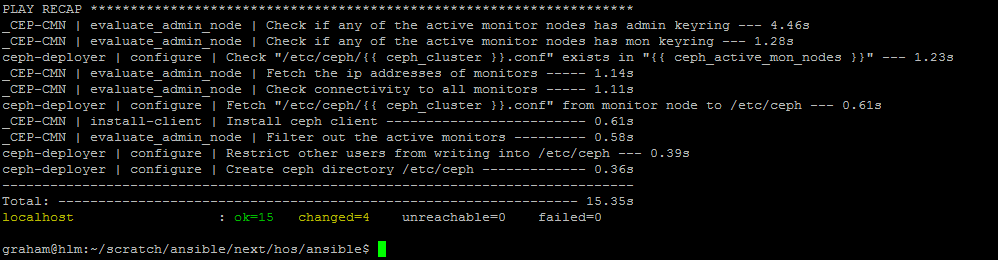
First we need to install the Ceph client on the deployer node as follows (remembering --ask-vault-pass as I’ve encrypted sensitive data):
cd ~/scratch/ansible/next/hos/ansible
ansible-playbook -i hosts/verb_hosts ceph-setup-deployer-as-client.yml --ask-vault-pass
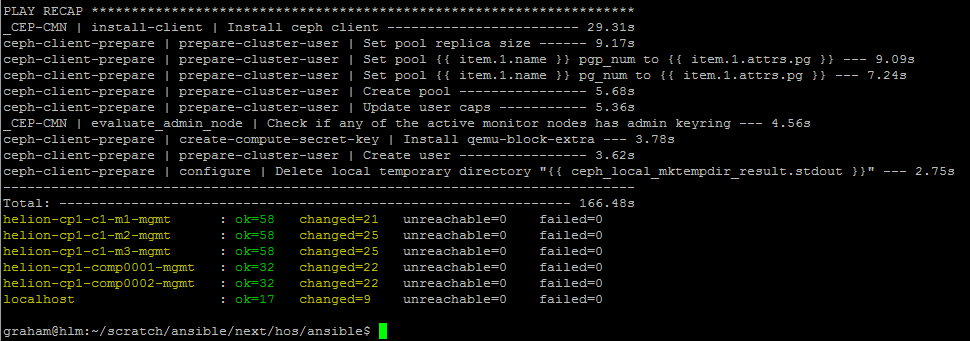
Install the Ceph client on all nodes that will be using Ceph services:
cd ~/scratch/ansible/next/hos/ansible
ansible-playbook -i hosts/verb_hosts ceph-client-prepare.yml --ask-vault-pass
Verify the cinder.conf settings – remember that I replaced the default FSID and GUID – this will need to be applied to the cinder.conf file via its associated Ansible template ~/helion/my_cloud/config/cinder/cinder.conf.j2.
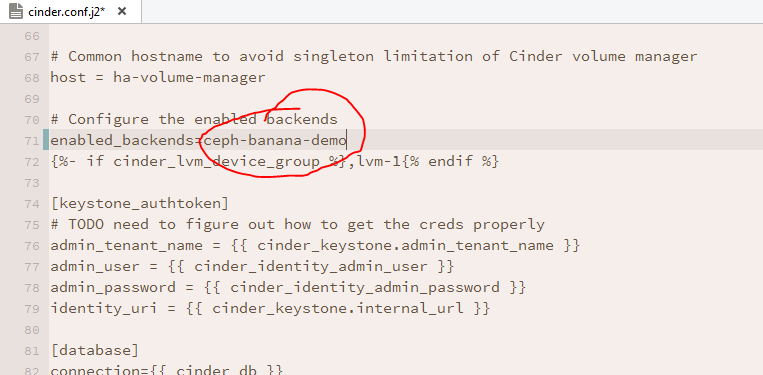
Give the Ceph backend a memorable name – especially if working with multiple backends, e.g.:
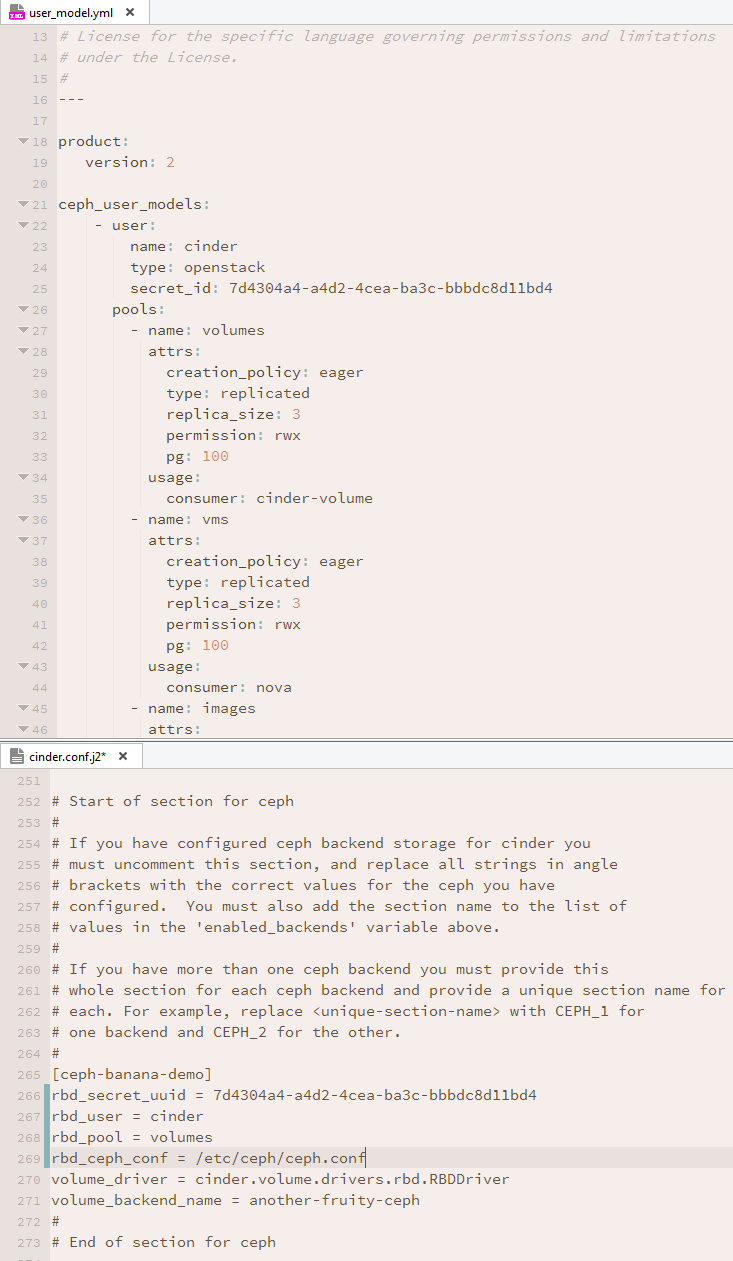
Carry on down the file to the Ceph section and remove the comments, then fill in the values pertinent to your installation. These are the values defined earlier in ~/helion/my_cloud/config/ceph/user_model.yml. In my case the file should look like this:
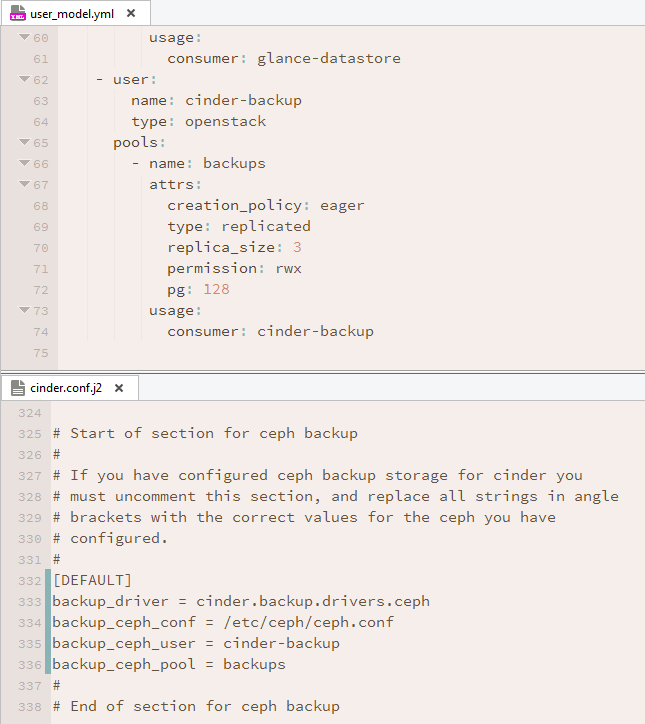
To enable Ceph for volume backups, carry on down this cinder.conf.j2 template file to the backup section – uncomment it and fill in the appropriate values:
Glance Configuration
We can now move on to Glance configuration, provided you wish to use Ceph to store Glance images. The file we need to modify now is called ~/helion/my_cloud/config/glance/glance-api.conf.j2 — surprise, surprise. Make the following changes:
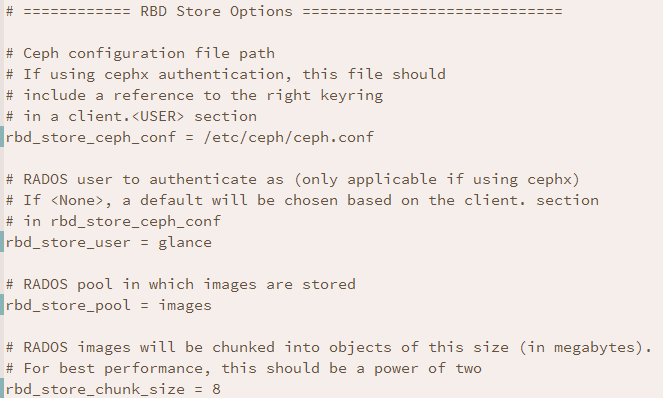
And change both stores and default_store as follows:
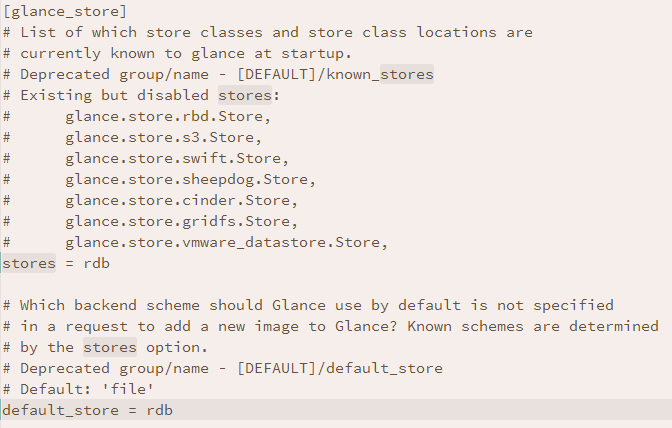
So we’ve now configured Ceph for Cinder volumes, Cinder backups, and Glance images.
Hypervisor Access Configuration
All that’s left to configure is access to the hypervisor to mount volumes on virtual machines — ~/helion/my_cloud/config/nova/kvm-hypervisor.conf.j2 is the configuration file that we need to amend now:
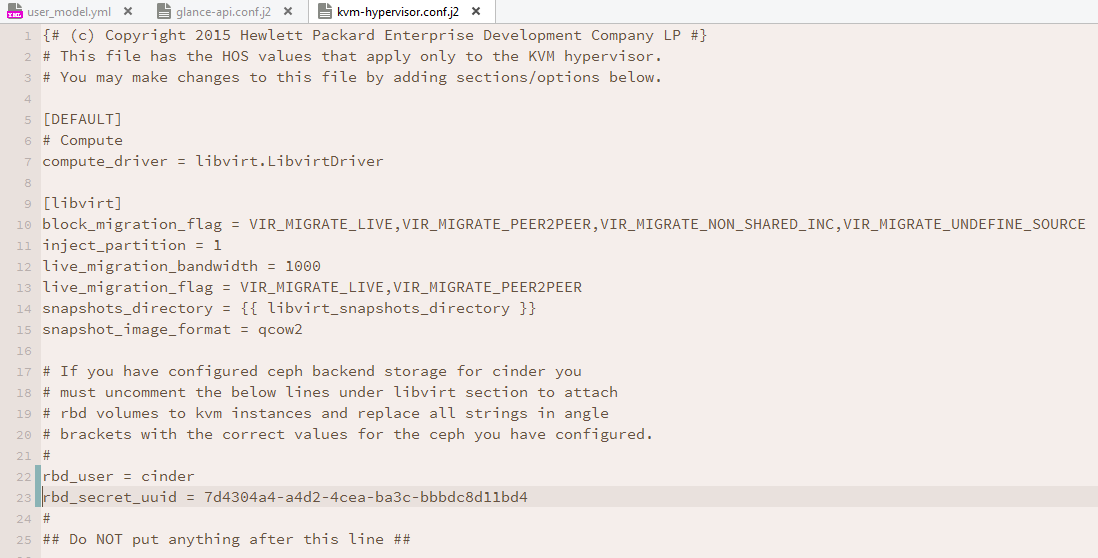
Now it’s back to HOS 2.X HLM basics when configurations have been changed and need to be redeployed.
I’ve got a couple of additional steps that you may not require if you have not encrypted sensitive data:
cd ~/helion/hos/ansible
git add -A
git commit -m "Configured Ceph Backends for Cinder, Cinder Backup, Glance and Nova"

export HOS_USER_PASSWORD_ENCRYPT_KEY=SomeSecretKey
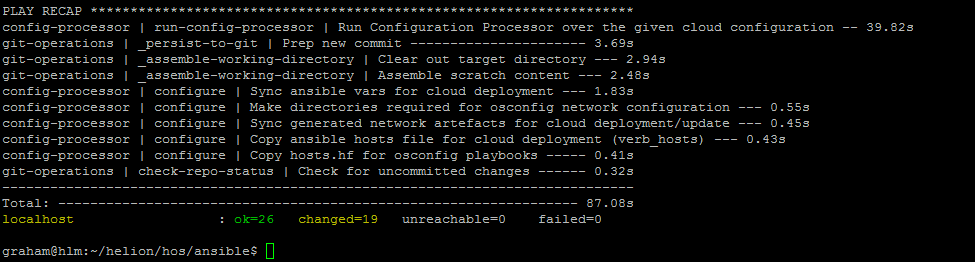
ansible-playbook -i hosts/localhost config-processor-run.yml --ask-vault-pass
Build the Deployment Directory
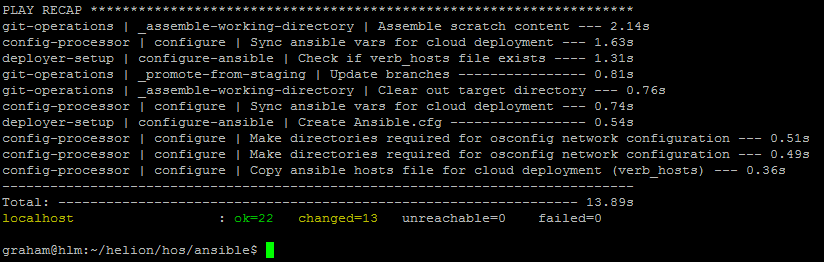
ansible-playbook -i hosts/localhost ready-deployment.yml --ask-vault-pass
Reconfigure Services
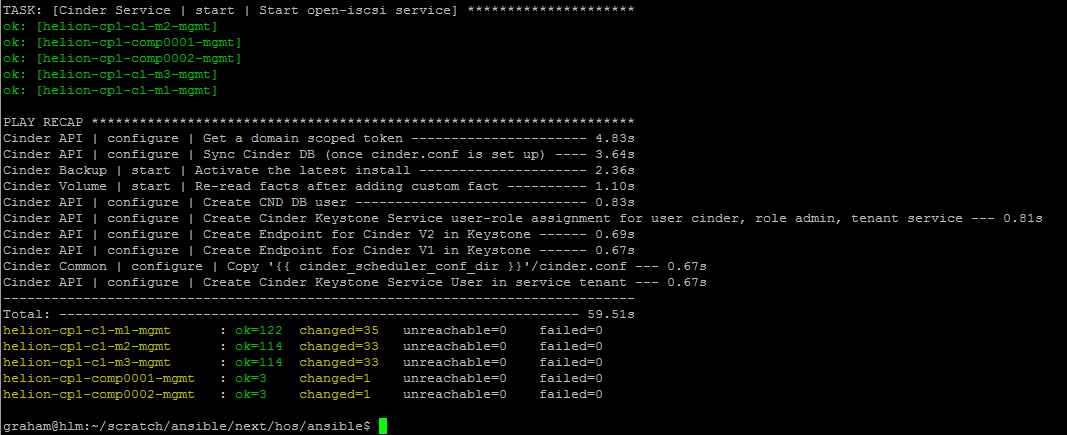
Run the Cinder reconfigure playbook:
cd ~/scratch/ansible/next/hos/ansible
ansible-playbook -i hosts/verb_hosts cinder-reconfigure.yml --ask-vault-pass
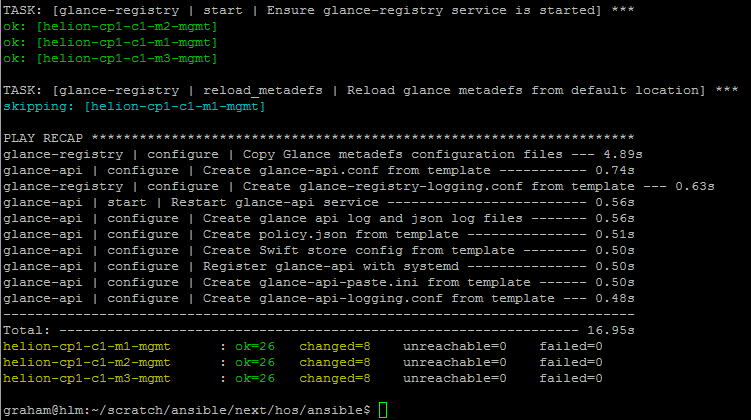
Run the Glance reconfigure playbook:
cd ~/scratch/ansible/next/hos/ansible
ansible-playbook -i hosts/verb_hosts glance-reconfigure.yml --ask-vault-pass
Finally, run the Nova reconfigure playbook:
cd ~/scratch/ansible/next/hos/ansible
ansible-playbook -i hosts/verb_hosts nova-reconfigure.yml --ask-vault-pass
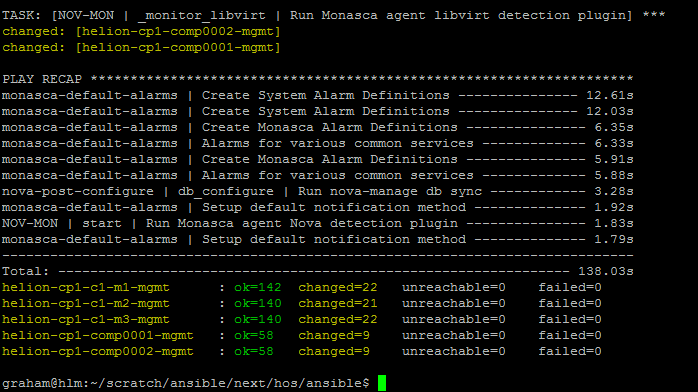
It’s now time to start validation of the installation.