

Once the installer has completed successfully, ansible sites.yml playbook completes without errors, and we have integrated ceph we can start verification and configuration.
Note: For anyone who suffers from OCD, yes this is a slightly different build than the environment that was used for the previous 1-6 blog posts – that has been rebuilt many times since I’ve had the chance to write this post. The process is the same.
Locate Login Account Details
- On the HLM deployer node get the user account passwords
cd ~/scratch/ansible/next/hos/ansible/group_vars/

# admin user
grep admin_pwd *

# demo user
grep demo_pwd *

# kibana user
grep kibana_p *

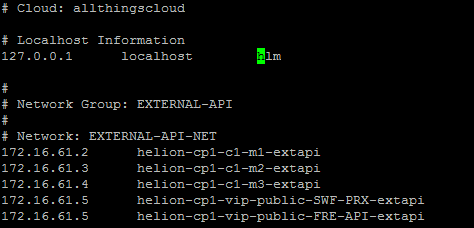
Deployer /etc/hosts
- Add the hlm alias to the /etc/hosts file on the deployer node
Verify Networking
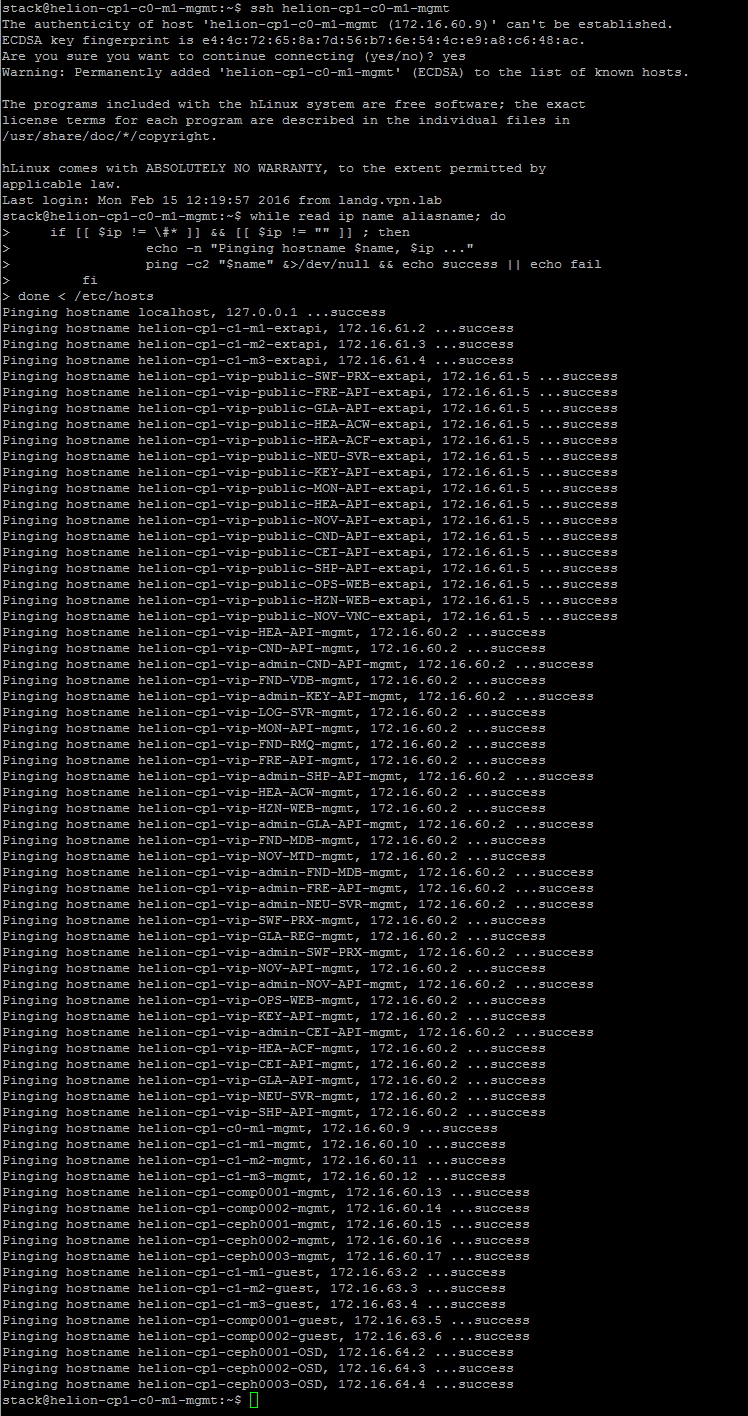
- Quickly verify the network by pinging all the hostnames in the /etc/hosts file on one of the controller nodes.
ssh helion-cp1-c0-m1-mgmt

#IFS=$' ,\t\n'
while read ip name aliasname; do
    if [[ $ip != \#* ]] && [[ $ip != "" ]] ; then
                echo -n "Pinging hostname $name, $ip ..."
                ping -c2 "$name" &>/dev/null && echo success || echo fail
        fi
done < /etc/hosts
Configure Cinder Volume Type
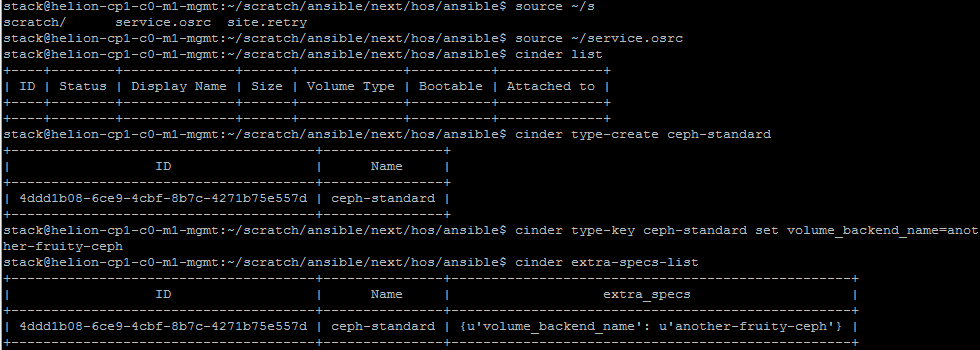
- Add a volume type for the ceph storage (this can also be achieved using Horizon rather than the cli)
source ~/service.osrc

cinder type-create ceph-standard

cinder type-key ceph-standard set volume_backend_name=another-fruity-ceph

cinder extra-specs-list
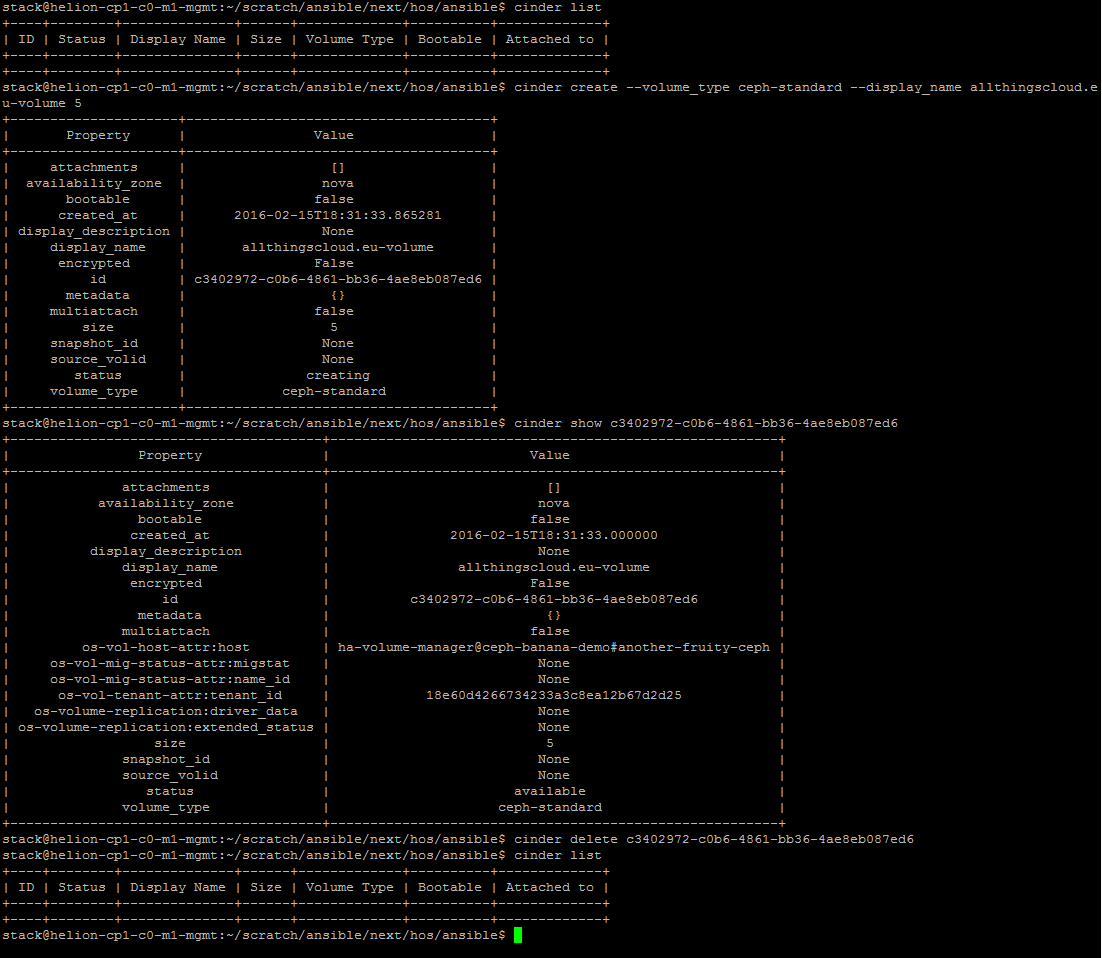
- Create a test volume and then delete it
source ~/service.osrc

cinder list

cinder create --volume_type ceph-standard --display_name allthingscloud.eu-volume 5

cinder show <volume-id>

cinder delete <volume-id>

cinder list
Configure the External Network (floating ips)
- You can either run the HLM playbook to perform this action or use the CLI as detailed below. The playbook does not give you the flexibility to set the gateway ip address at present.
source ~/service.osrc

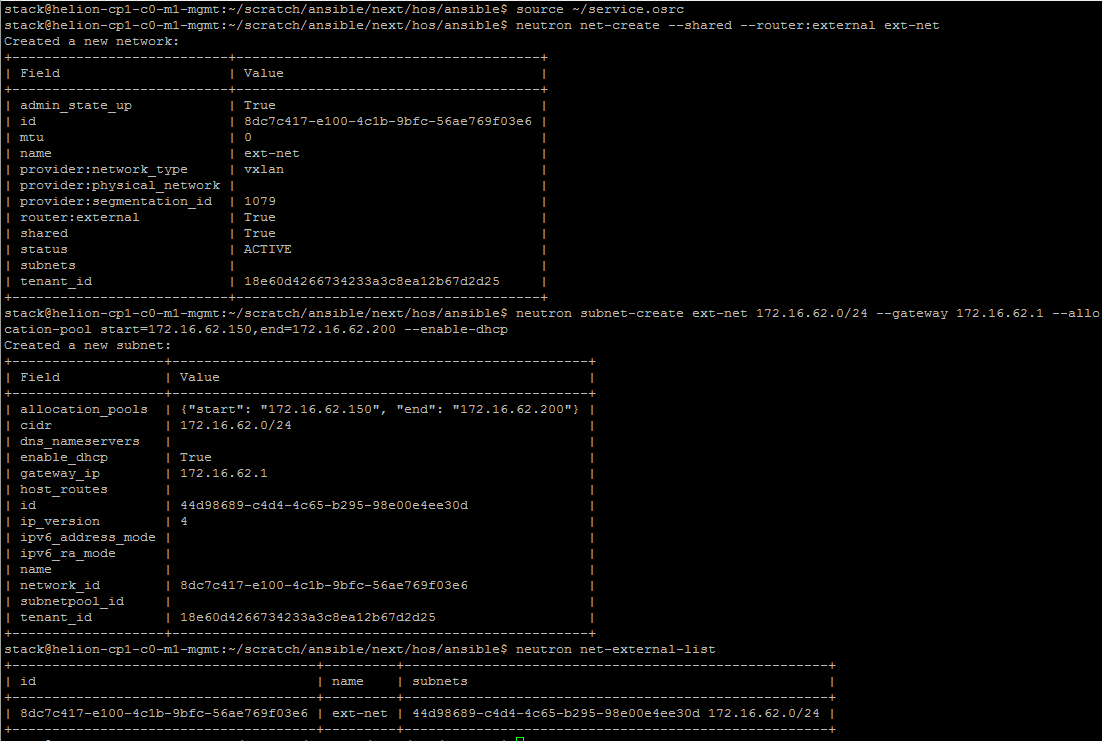
neutron net-create --shared --router:external ext-net

neutron subnet-create ext-net 172.16.62.0/24 --gateway 172.16.62.1 --allocation-pool start=172.16.62.150,end=172.16.62.200 --enable-dhcp

neutron net-external-list
Add a private network
- As demo user, add a private network with router to the external network.
source demo-openrc.sh

neutron --insecure net-create private-demo-net

neutron --insecure subnet-create private-demo-net 192.168.100.0/24 --name private-demo-subnet --dns-nameserver 172.16.1.5 --gateway 192.168.100.1

neutron --insecure router-create demo-router

neutron --insecure router-interface-add demo-router private-demo-subnet

neutron --insecure router-gateway-set demo-router ext-net
Verify connectivity
- Try the following one of the controller nodes
ssh helion-cp1-c1-m1-mgmt

source service.osrc

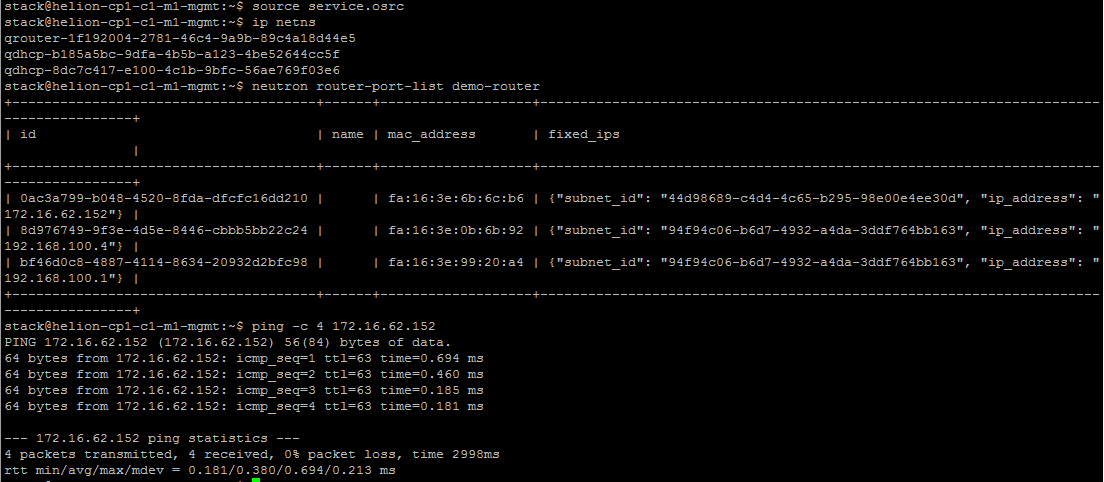
ip netns

neutron router-port-list demo-router

ping -c 4 <external gateway ip address>
Upload a test image
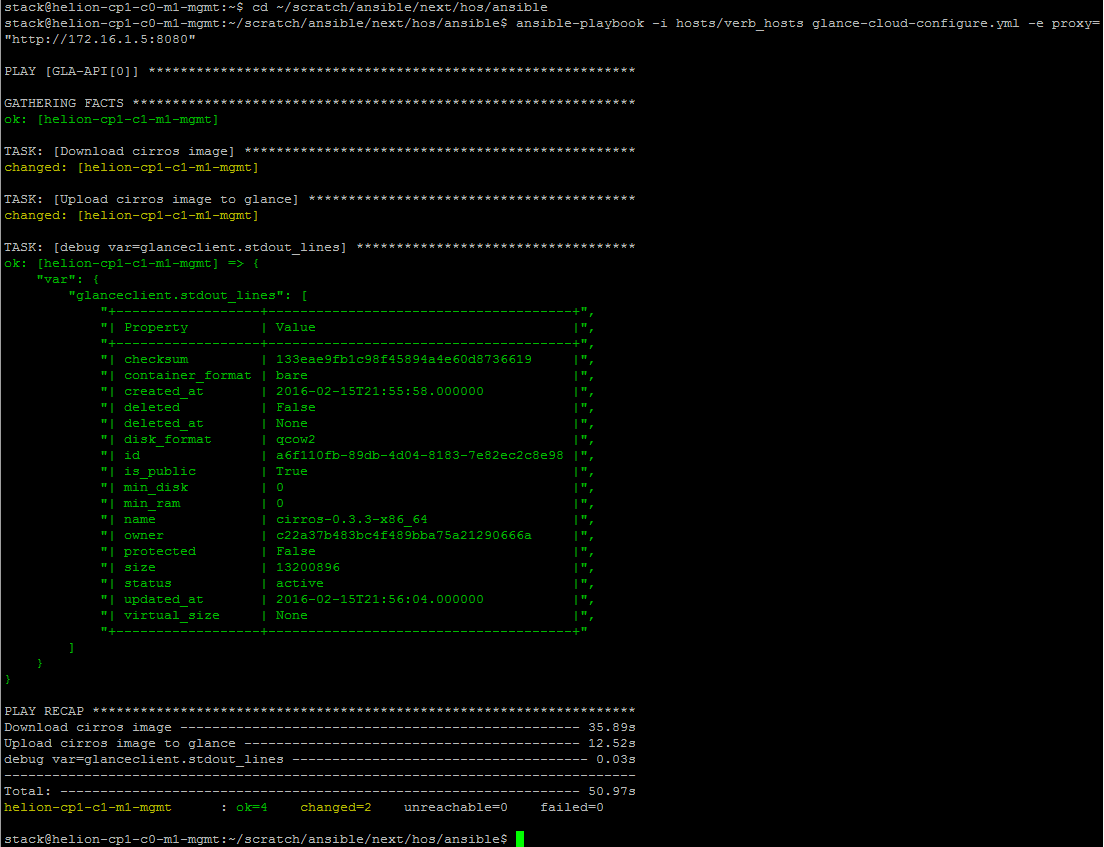
- Use the ansible playbook to upload a demo image for testing from the deployer node
cd ~/scratch/ansible/next/hos/ansible

ansible-playbook -i hosts/verb_hosts glance-cloud-configure.yml -e proxy="http://172.16.1.5:8080"
Tempest Verification Tests Setup
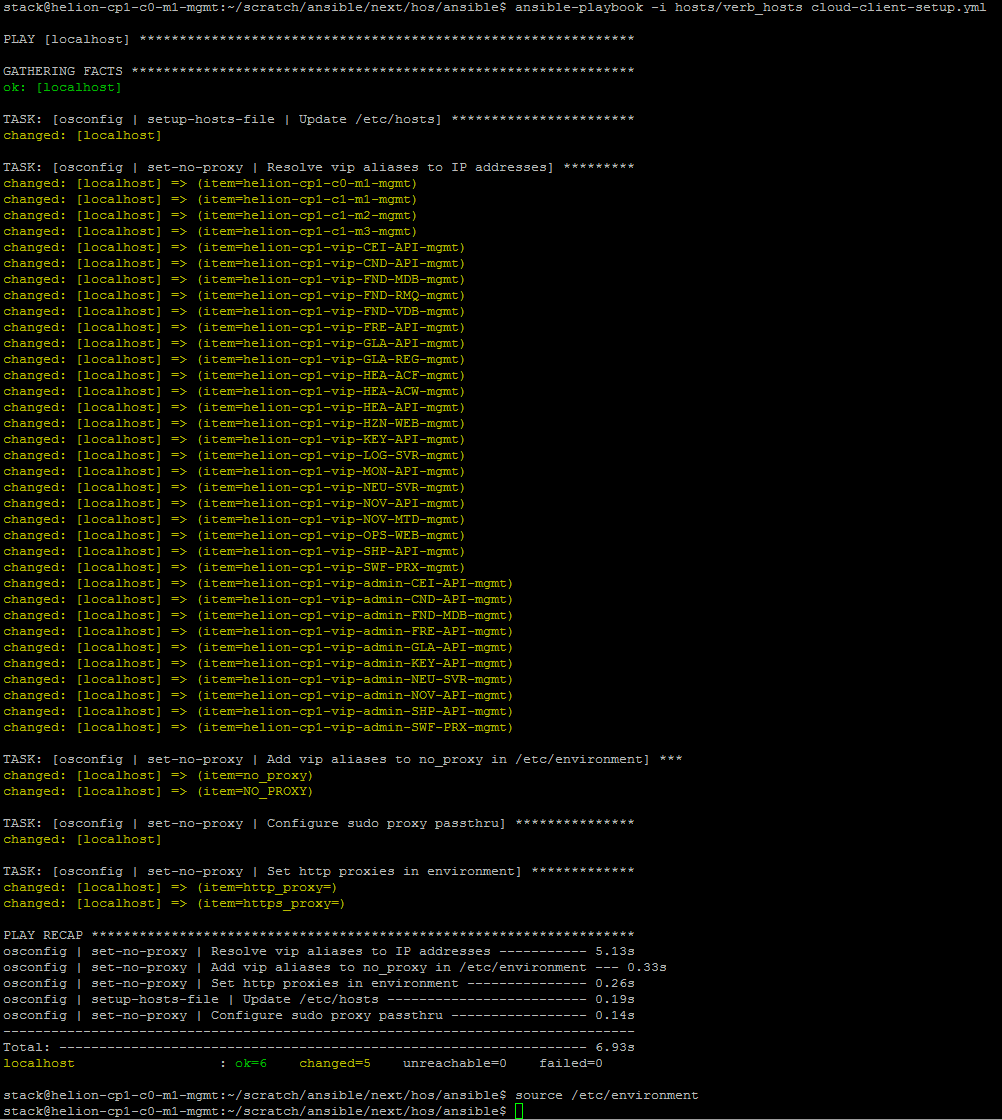
- Configure the environment for for tempest using the supplied playbooks and then run the tests
cd ~/scratch/ansible/next/hos/ansible

ansible-playbook -i hosts/verb_hosts cloud-client-setup.yml

source /etc/environment
Run Tempest
- Execute the default tests as follows
cd ~/scratch/ansible/next/hos/ansible

ansible-playbook -i hosts/verb_hosts tempest-run.yml
Tempest Results
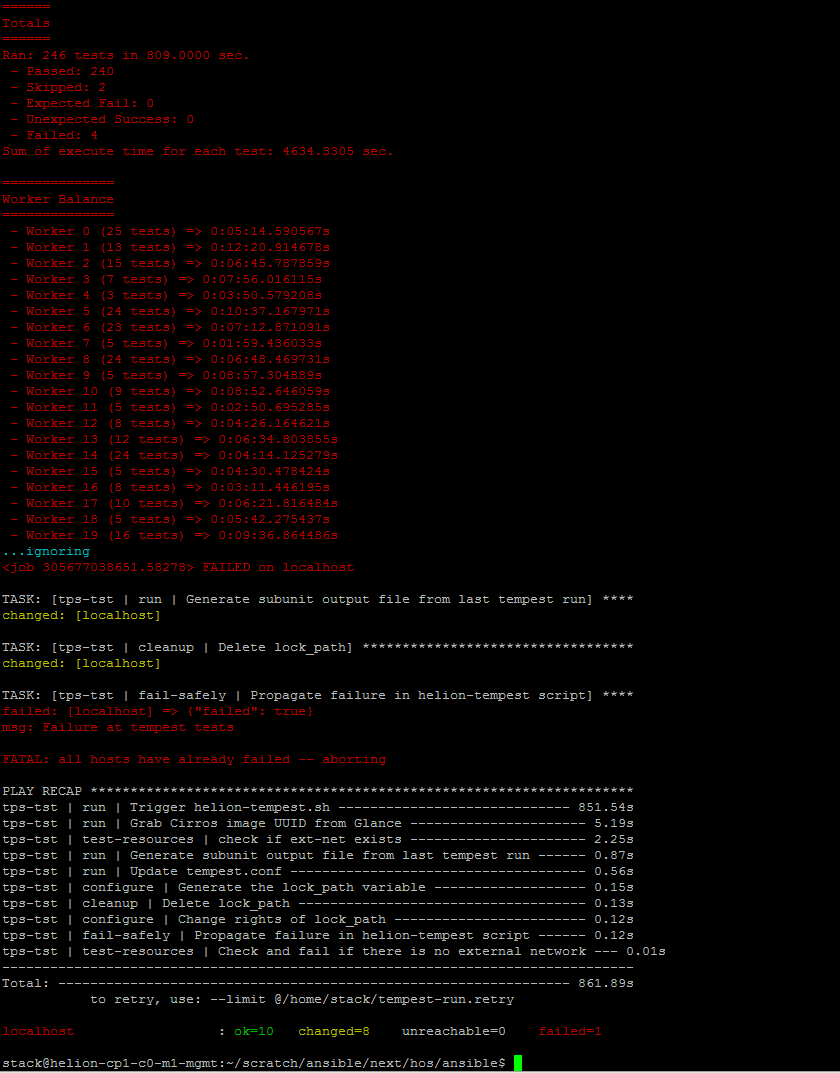
- Beware of false failures – not all the tests run as expected which usually results in approximately 4 failures out of 246 tests
Access Horizon
- Get the portal details from the /etc/hosts file.
grep vip-HZN-WEB /etc/hosts
HorizonIP
- Default users are admin and demo. Password locations are detailed at top of this post.
Horizon Portal
Access Operations Console
- The operations console is available at port 9095 on the management vip identified above
http://vip:9095
- Default user is admin. Same password as above.
Operations Portal
ELK – Centralised Logging Access
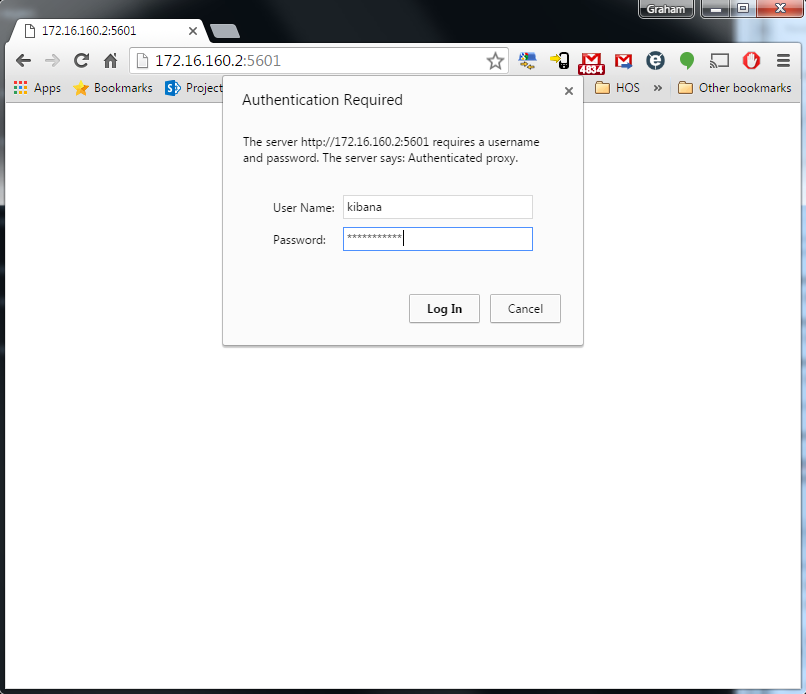
- The Kibana javascript client frontend to the HOS logging is available on port 5601 of the management vip
http://vip:5601
- Default user is kibana. Password locations are detailed at top of this post.
That’s it for now. The final blogpost in this series covers some of the errors encountered during the installation process.