

Prerequisites – laptop or workstation setup and a step by step server bios configuration example
The first two utilities that I’m mentioning here are the tools that I personally find useful to have on my laptop when working with a Helion OpenStack cloud.
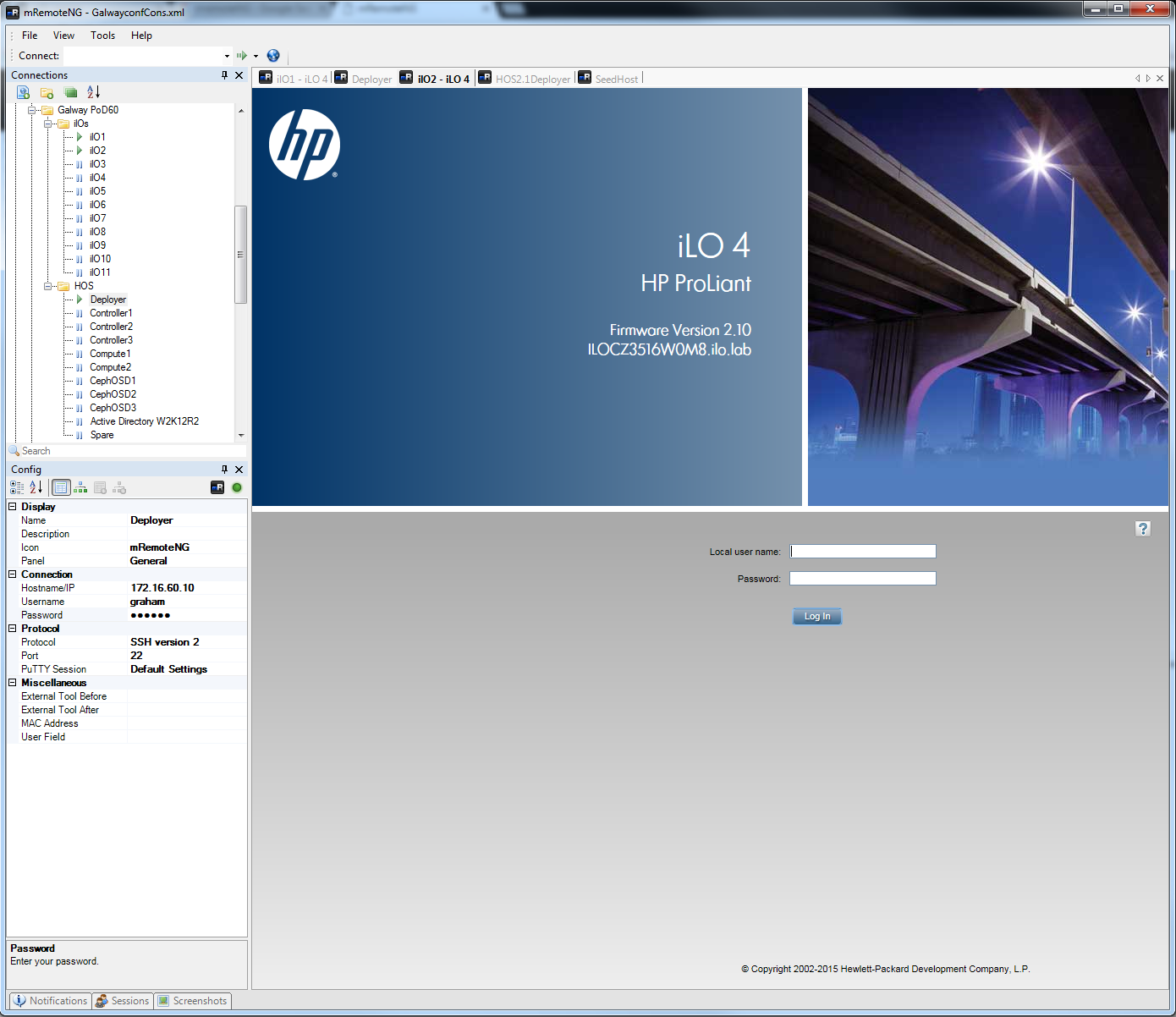
mRemoteNG
This nifty application enables you to keep all your console and iLO profiles and sessions within one application.No more continuously looking behind windows for that lost session. It has some good features too for screen capture – which I’ve yet to try.
(Warning: the site tries to get you to download the closed source Komodo IDE – click carefully!)
This is a useful editor that supports remote file access. Helion OS 2.X introduces the Helion Lifecycle Manager (HLM) and it feasts on YAML files hence the need for a good syntactic checking editor – unless you’ve got masochistic tendancies in which case you already roll your own OpenStack daily from trunk using vi for all edits.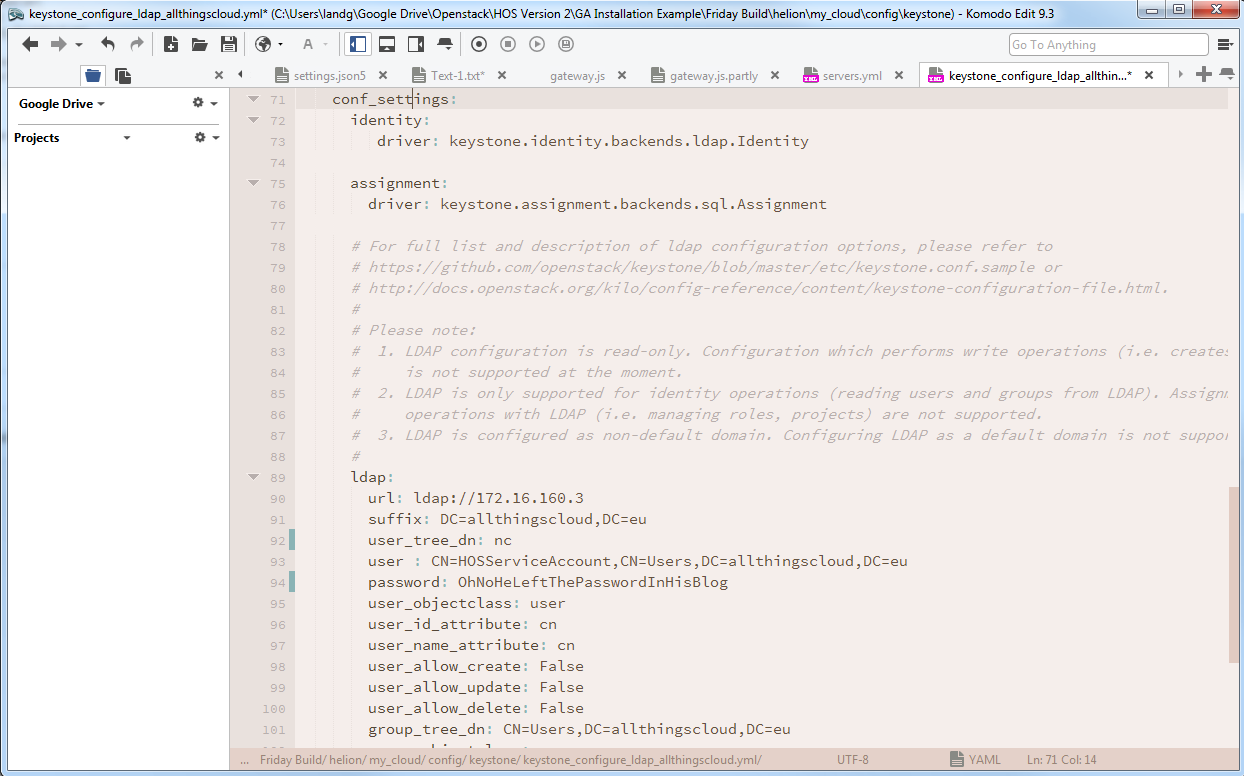
Hardware Prerequisites – bios configs
Please don’t underestimate the importance of performing the prerequisites on ALL nodes to be used in the deployment, nor the time this takes – up to 30 minutes per node.
The following section covers only a single node – ensure you repeat the steps on ALL nodes.
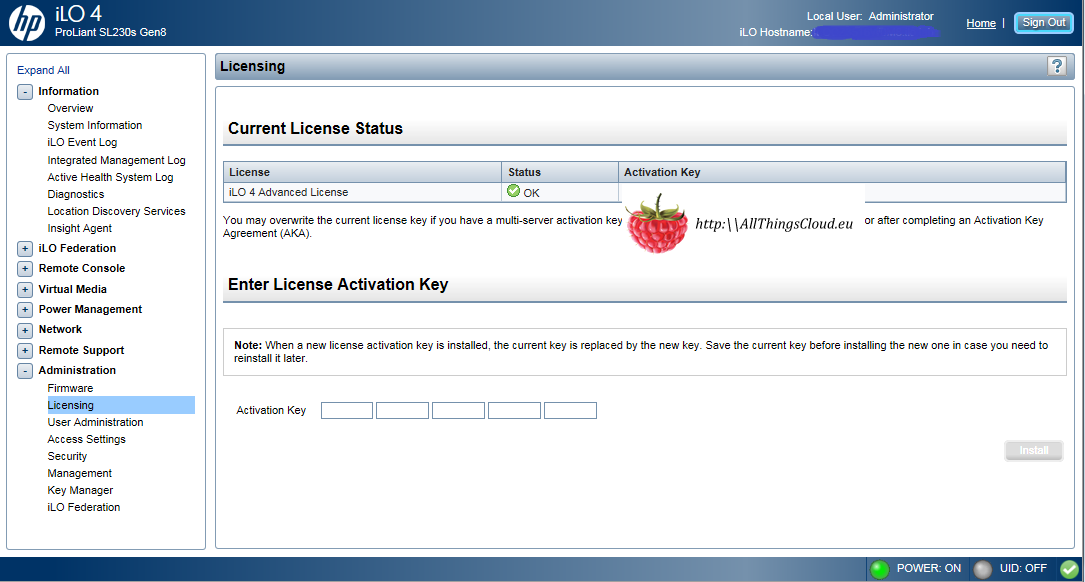
- Configure the iLO Advanced Licensing
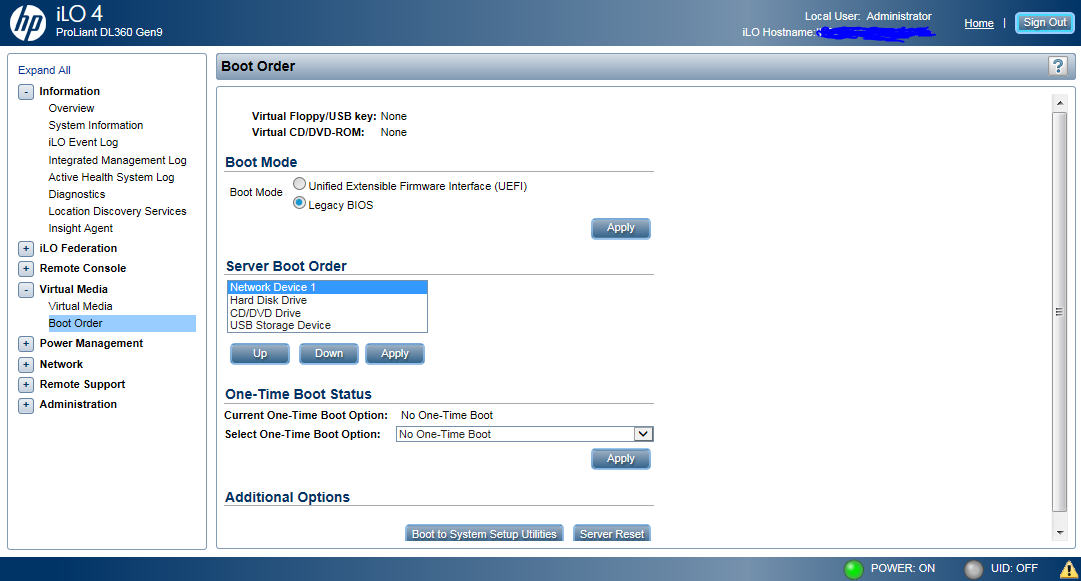
- Choose Legacy or UEFI boot mode [if your server has this option]. Set all servers the same.
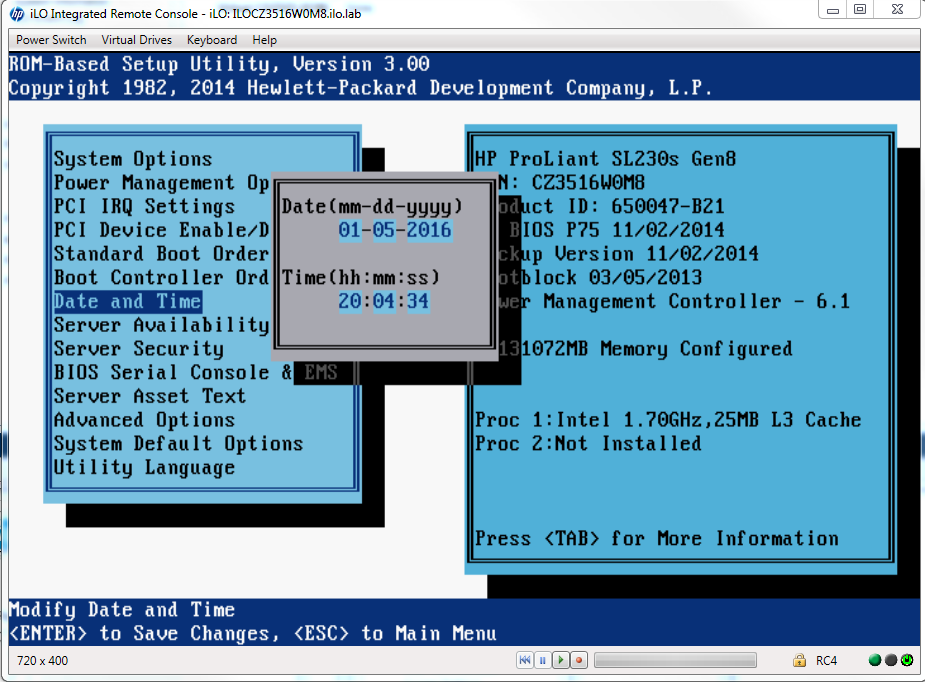
- Verify the Date and Time settings are correct
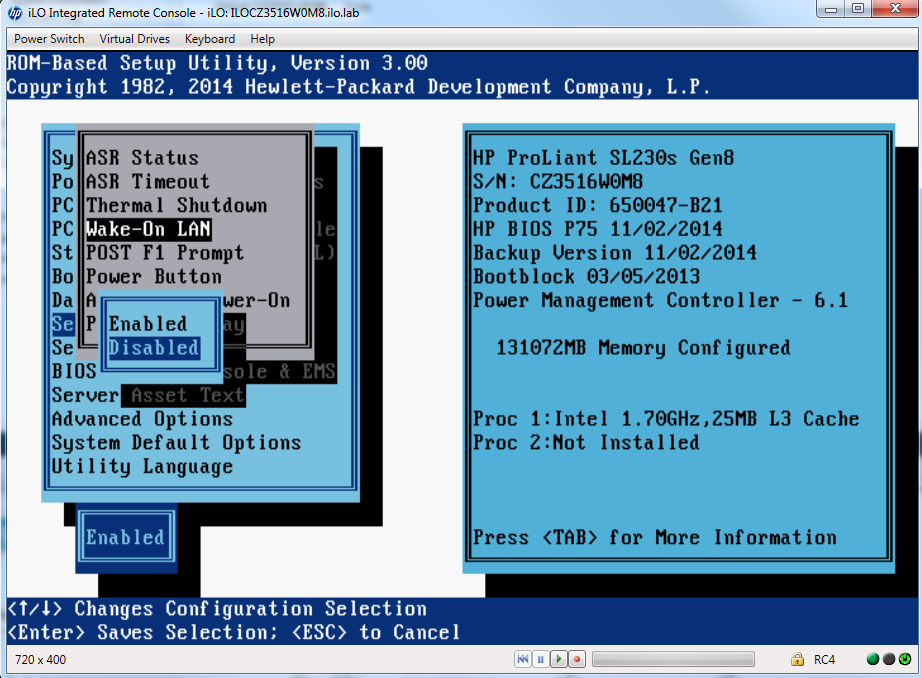
- Disable Wake-On LAN
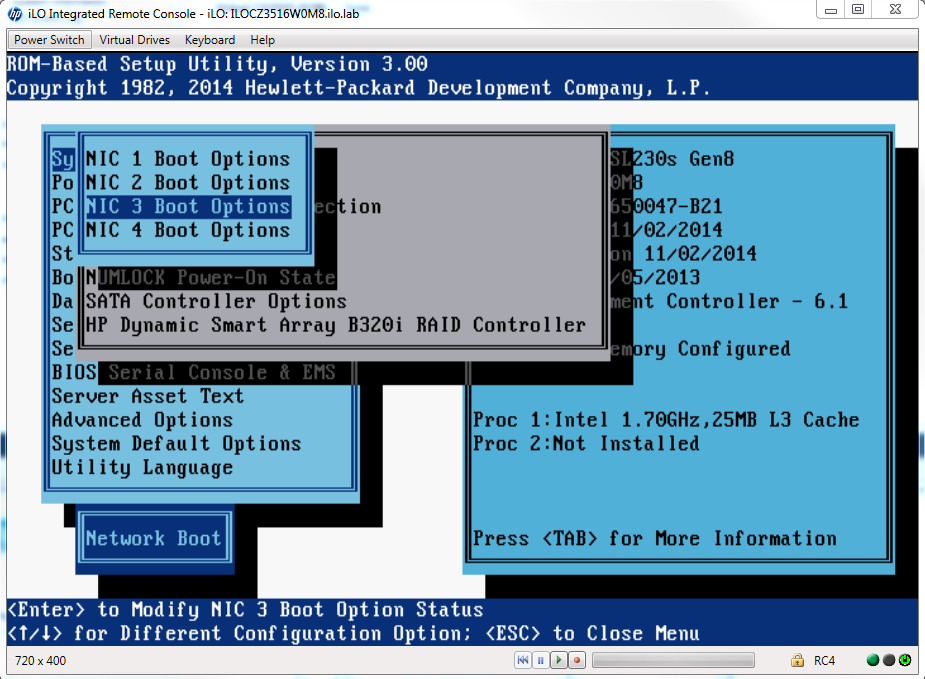
- Enable PXE on the single interface that will be used to build the server. Ensure PXE is disabled on all other interfaces.
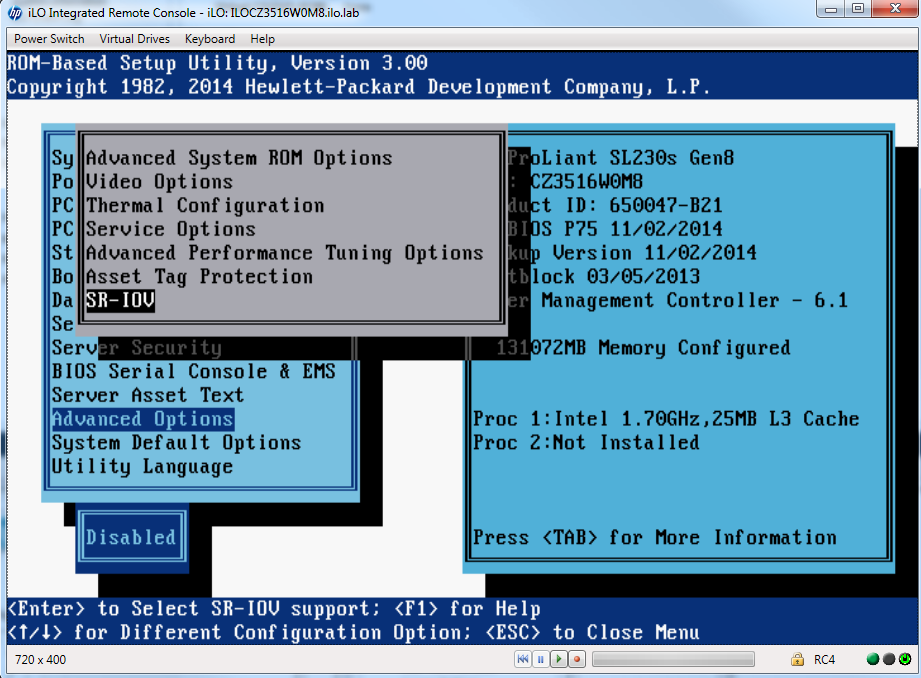
- Ensure all hardware in the server not directly used by Helion is disabled – in my case I’m not using SR-IOV.
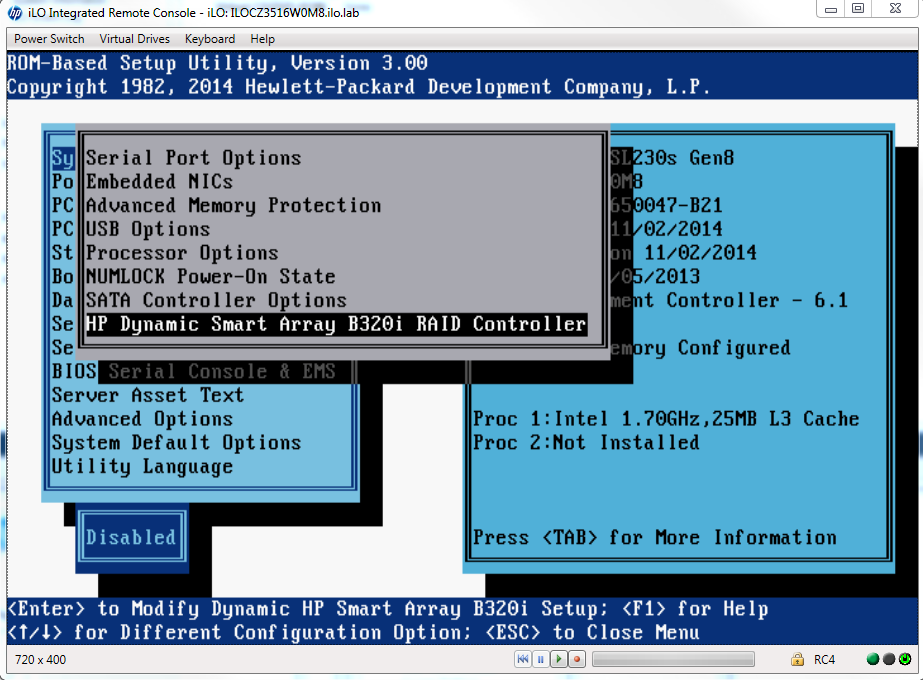
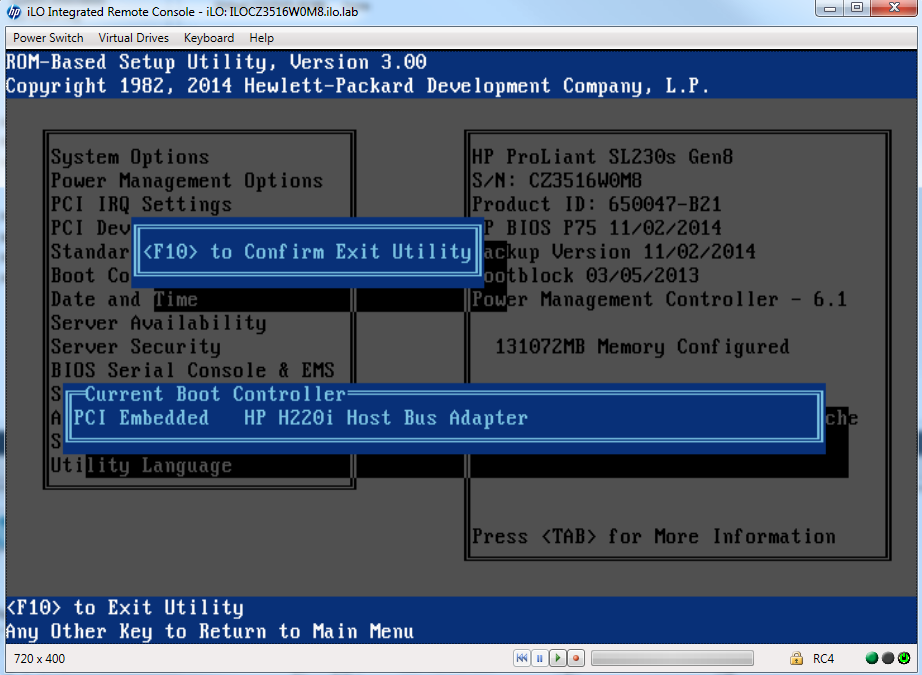
- The B320i Raid controller does not have linux drivers so this will also be disabled and the onboard H220i disk controller is used.
This process needs to be repeated on all nodes. What’s not covered here – comment if you need it mum – is the configuration of the raid controller and disk on these servers. Ensure you allow at least 10 minutes configuration time per server if not using automated tooling like HPE Oneview.